Getting Started
This page walks you from a fresh install to a working, on-demand SSH tunnel.
Install
Download the build for your platform from jumphippo.com:
- macOS — open the
.dmgand drag Jump Hippo to Applications. - Windows — run the installer (
Jump-Hippo-Setup-…exe) or use the portable build. - Linux — the
AppImage(make it executable and run it) or the.deb.
You can also build from source with
make install && make dmg.
On first launch Jump Hippo appears in your system tray and opens its window. No account, no sign-in — everything stays on your machine.
Define your first tunnel
Click + (Add tunnel) to open the editor.
- Name — anything memorable, e.g.
Prod database. - Entry port — the local port to bind. Enter a bare port like
5432to bind loopback (127.0.0.1:5432), or an explicitaddress:port. - Target server — the SSH server to route through, e.g.
bastion.example.com(orbastion.example.com:22for a non-standard SSH port). - Exit port (optional) — where the SSH server should forward your traffic,
e.g.
db.internal:5432. Leave it blank to reach the target server itself on the same port as the entry port. - Authentication — pick how to log in (SSH agent, a private key, or a password). See Authentication.
- Optionally add jump hosts for a multi-hop route.
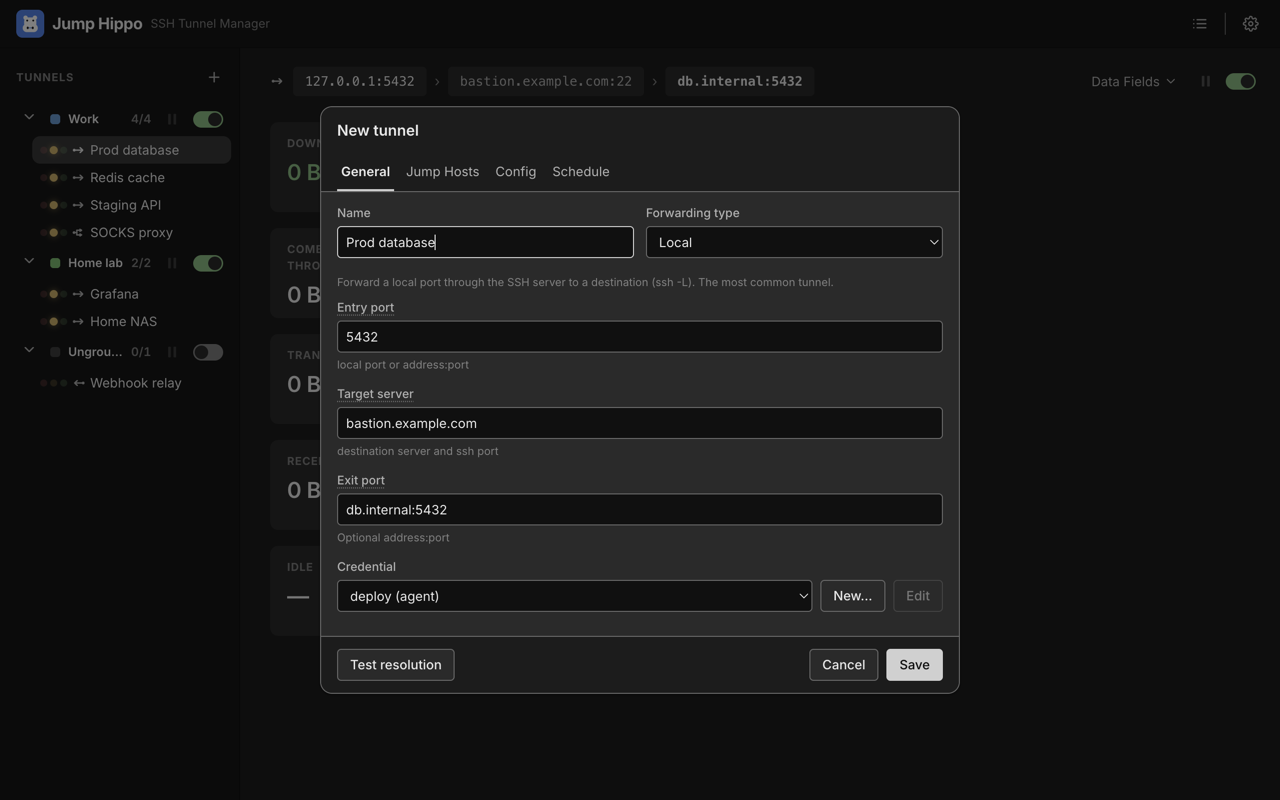
Save. The tunnel appears in the list, disarmed — defined but not yet bound.
Arm it
Arming binds the entry port and starts listening. Select the tunnel and flip its arm switch in the detail panel (or right-click → Arm). In the list its status signal — a row of three traffic-light lamps — lights the middle (amber) lamp for Listening.
Nothing has connected over SSH yet. Arming only binds the local port — the SSH connection is opened lazily, on first access, so an armed tunnel you never use costs nothing.
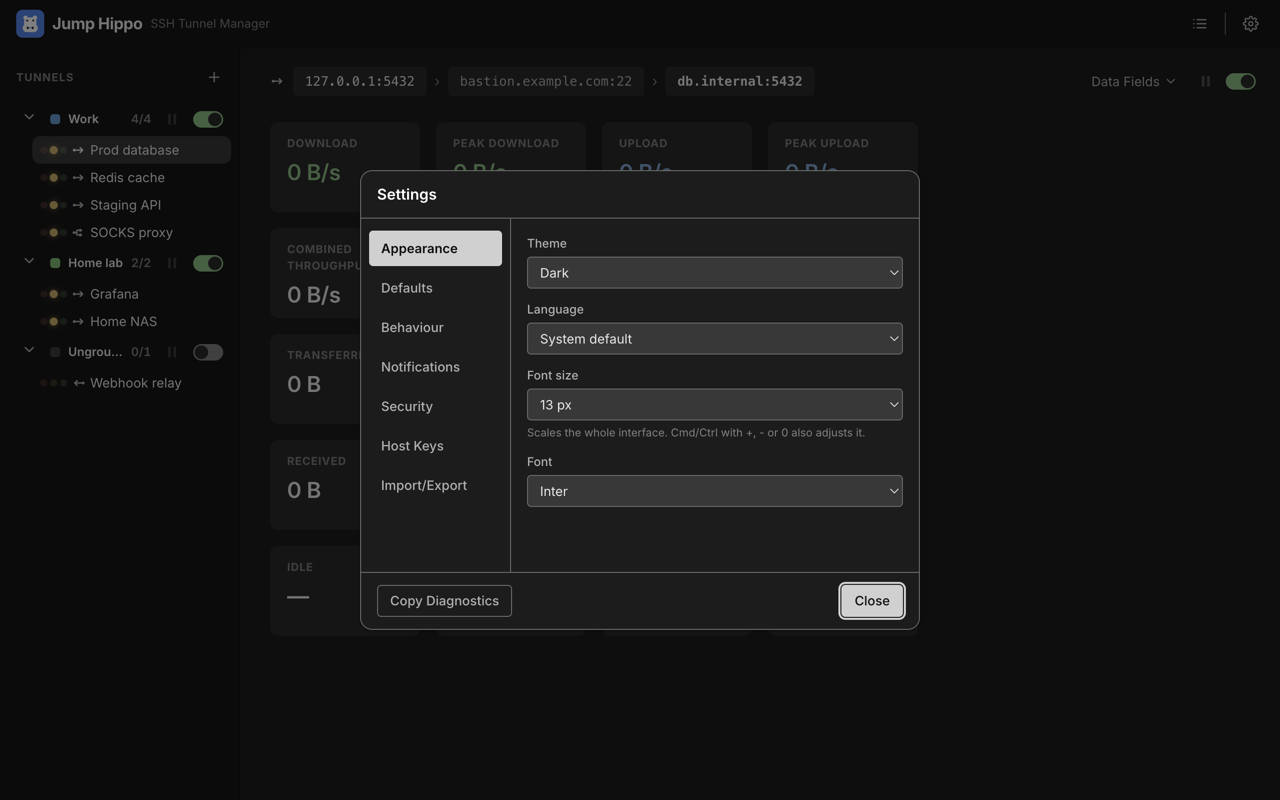
By default, enabled tunnels arm automatically when Jump Hippo starts. You can turn that off in Settings → Behaviour.
Use it
Point your app (or a quick test) at the entry port:
psql -h 127.0.0.1 -p 5432
On that first connection Jump Hippo moves through Connecting → Connected: it opens the SSH chain, verifies each host key (see Host Keys & Trust), authenticates, and starts relaying bytes. Your app talks to the destination as if it were local.
Watch it idle out
Disconnect your app. The SSH connection stays up for the tunnel's idle linger (10 seconds by default), then closes — back to Listening. The entry port is still bound, so the next connection opens the tunnel again automatically.
To free the port entirely, disarm the tunnel (flip the arm switch off). To freeze a live tunnel without closing it, pause it.
Where to next
- Fine-tune behaviour in Defining Tunnels (linger, keep-alive, auto-reconnect).
- Understand the live view in Monitoring & Pause.
- Read the Security page — Jump Hippo handles SSH credentials, so it's worth knowing how they're stored and how servers are trusted.